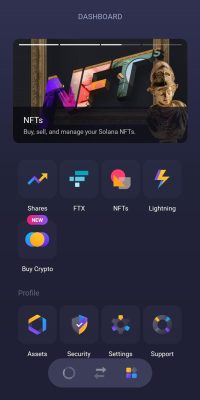
The app will ask you to type in the amount you want to purchase, from there, the app will re-direct you to their partner exchange (Ramp) where you will be asked to confirm the amount you want to purchase, then give your personal information and then purchase using your credit card.
Once the transaction is completed, the Bitcoins should show in your Exodus wallet within minutes.
Another option we recommend is to use the leading Cryptocurrencies Exchange Coinbase.
The process is very straightforward.
First, input your personal details.
Then go in your email inbox and click on the confirmation link.
You will then be able to sign-in using your email and your password.
The first time you log in, you will be requested to provide your phone number. This is mandatory in order to secure your account and prevent people from gaining access as they will send you a text message with a code each time you log into your account.
Once you have confirmed your phone number you will be able to access your account.
Once inside your account, you can click “Buy/Sell” to initiate your crypto purchase.
You will then be able to select the crypto currency (Bitcoin) and use a credit card to purchase any amount you choose.
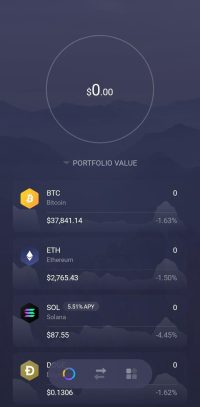
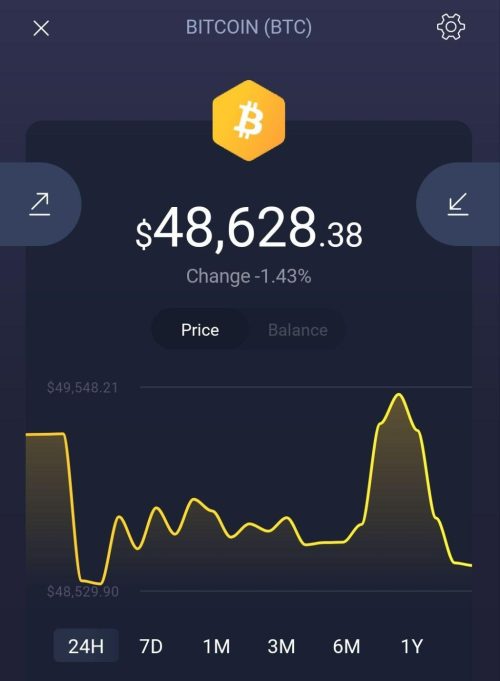
Once the Bitcoin is added to your coinbase account, you can send it to your Exodus wallet. To do so, you can open the app, then click the BTC currency. Then the downwards arrow to “Receive” BTC